Local worker setup does not require an account. Account sign-in is optional and enables remote access. Start sign-in from the Android app or the worker you intend to use, not from a bare website sign-in link.
Android and worker connection guideYour AI agents, on your own machine.
AI Shuffle is a self-hosted workspace for running AI agents. Chat, code, automate and keep every session in one place, on your computer, server or NAS.
It runs AI agents with your own AI provider account, by subscription sign-in or API key, so your AI usage is billed to you by your provider. We sell the workspace, not the AI.
Runs on Docker, Unraid and Windows. Android app for remote access. Downloads open with the beta. Join the Discord
Bring your own AI.
Three steps, and your AI account stays yours.
Install AI Shuffle where you want it to run.
Docker on a server, the Unraid app, or the Windows desktop app. Your projects, sessions and database stay on that machine.
Connect your own AI account.
Pick any supported provider: Claude, OpenAI, OpenRouter, xAI Grok or a custom gateway. Sign in with a ChatGPT, Claude or SuperGrok subscription on the provider’s own sign-in page, or add an API key. AI Shuffle never sees your provider password. You need one provider to start and can add more later.
Put your agents to work.
Start sessions, run several agents side by side, schedule jobs, and pick up from your phone when you’re away from the desk.
Who pays for what
Your AI Shuffle license pays for the app and its updates. Your AI usage is between you and your provider: it counts against your subscription plan or is billed to your API key. We don’t resell AI usage, we don’t add a markup, and we never see your prompts.
Which should I use?
A subscription is simplest for everyday work at your desk. For scheduled jobs, long unattended runs, or many agents at once, use an API key. Subscription plans are sized for one person working normally, and heavy automation can hit their limits.
One workspace for your agents.
Captured from the running app. Select an image to view it full size.
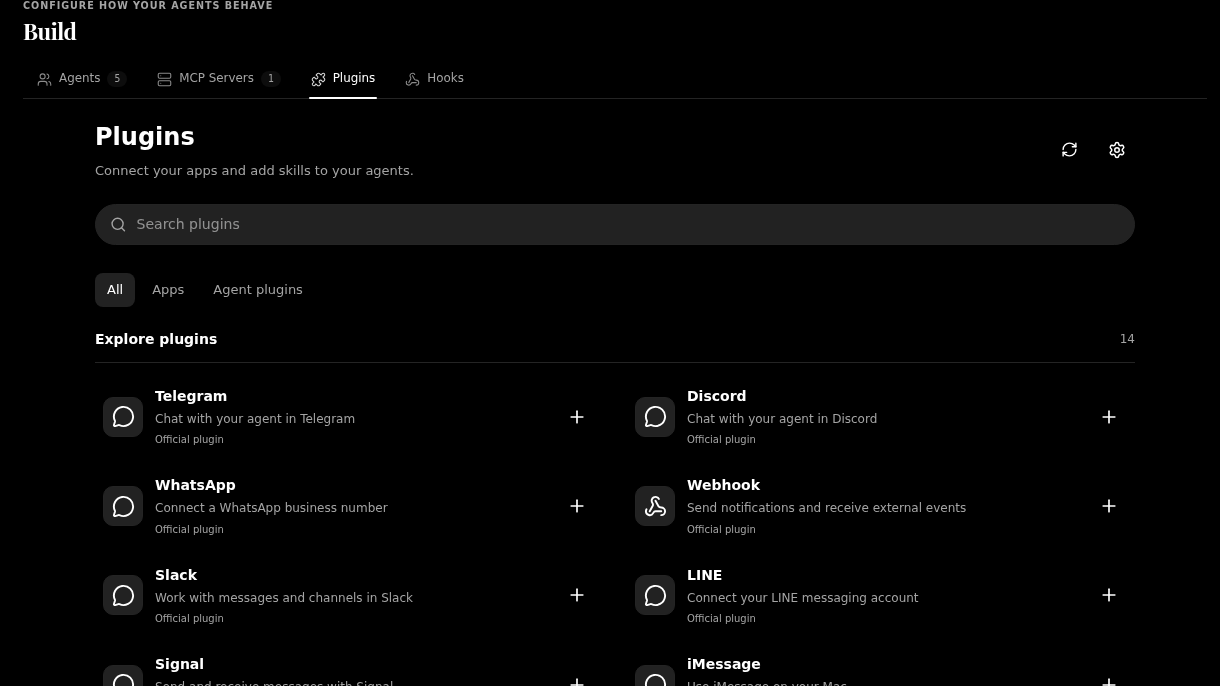
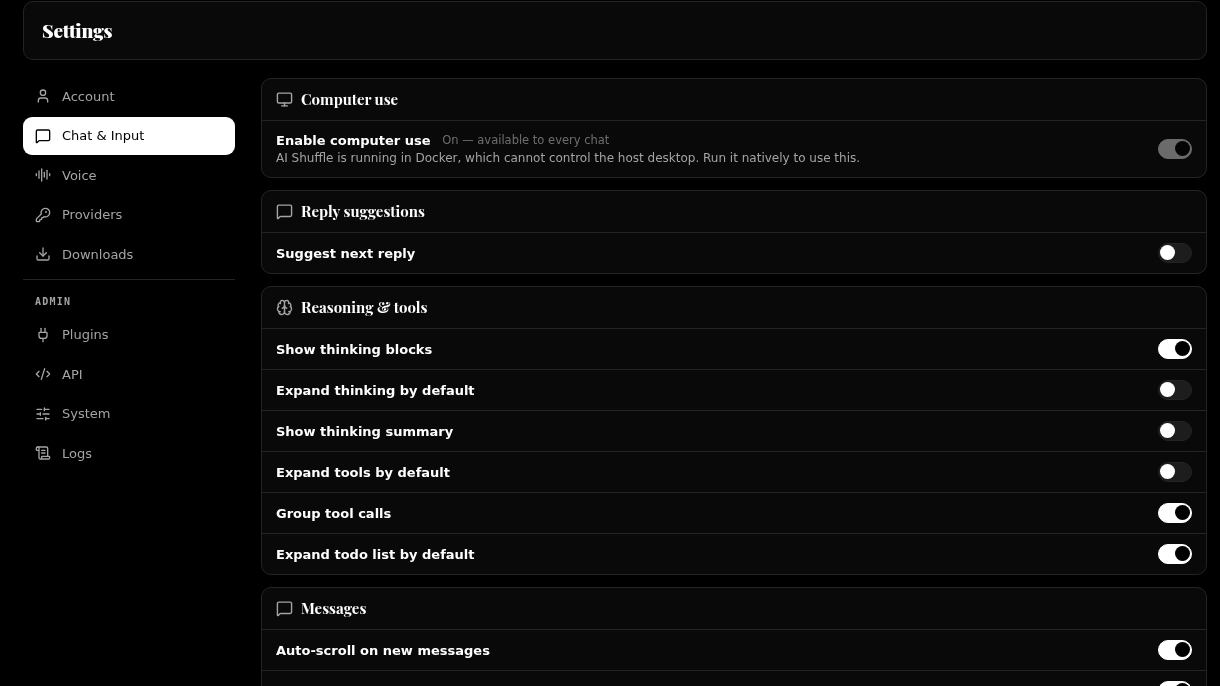
Session lists and personal account details are excluded. Appearance depends on your theme and configuration.
This is AI Shuffle.
Real screens from the app. Your workspace, your way.
28-second visual tour. Background music, no speech.Download video
Read the visual tour
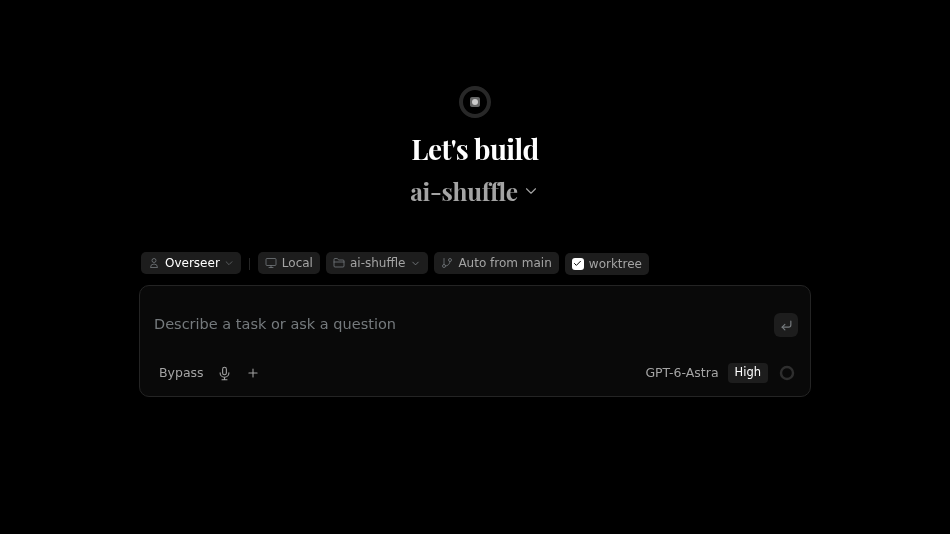
AI Shuffle, made by HobbyCoders. Start with an idea in the new-session workspace. Explore the plugin catalogue to connect your tools. Adjust chat and input controls to make the workspace your own. The closing card points to hobbycoders.com/ai-shuffle. Its line about a Windows download and setup guide predates the download pause: downloads are not open yet. Original instrumental background music plays throughout, with no speech. Use the player controls to mute or adjust the volume. The video animates actual app screenshots; it does not show an AI task being executed.
Your machine, your choice.
AI Shuffle for Windows
A desktop app for Windows 10 and 11 with its own worker built in. Install it and you are running.
Docker on Linux
Best for always-on use and phone access. Runs on 64-bit Linux servers and NAS boxes.
Unraid template
A Community Applications template with the usual appdata paths.
AI Shuffle for Android
Reach your workspace from your phone, through your own worker. Optional.
On the way macOSLinux desktop
Local first. Connected when you want.
A few things worth knowing.
All questionsDo I need my own AI account?
Yes, one from any supported provider. AI Shuffle doesn’t include any AI usage. You connect your own account with Claude, OpenAI, OpenRouter, xAI Grok or a custom gateway, by subscription sign-in or API key, and that provider bills you directly.
You need one provider to start. You can add more later in Settings, and each one bills you under its own terms.
Does AI Shuffle use or resell my AI subscription?
No. You sign in to your subscription yourself, on the provider’s own sign-in page. A Claude subscription runs through the standard Claude Code program, which keeps its own sign-in; we don’t copy or store it. A ChatGPT or SuperGrok sign-in gives your installation a token, which it keeps encrypted on your own machine and never sends to us. We never route other people’s work through your account, and we don’t resell or mark up AI usage.
Where do my prompts and files go?
Your projects, sessions and database stay on the machine running AI Shuffle. Prompts go from that machine straight to the AI provider you chose. They never pass through our servers.
If you use remote access from your phone or another browser, that traffic travels through a Cloudflare tunnel for your worker. The privacy policy explains what that means.
What do I need to run it?
A Linux server or NAS with Docker (64-bit x86), an Unraid server, or a Windows 10 or 11 PC. macOS and Linux desktop builds are coming. An Android phone is optional, for using your workspace away from your desk.
Be first in line.
One email when the beta opens. Questions before then? support@hobbycoders.com